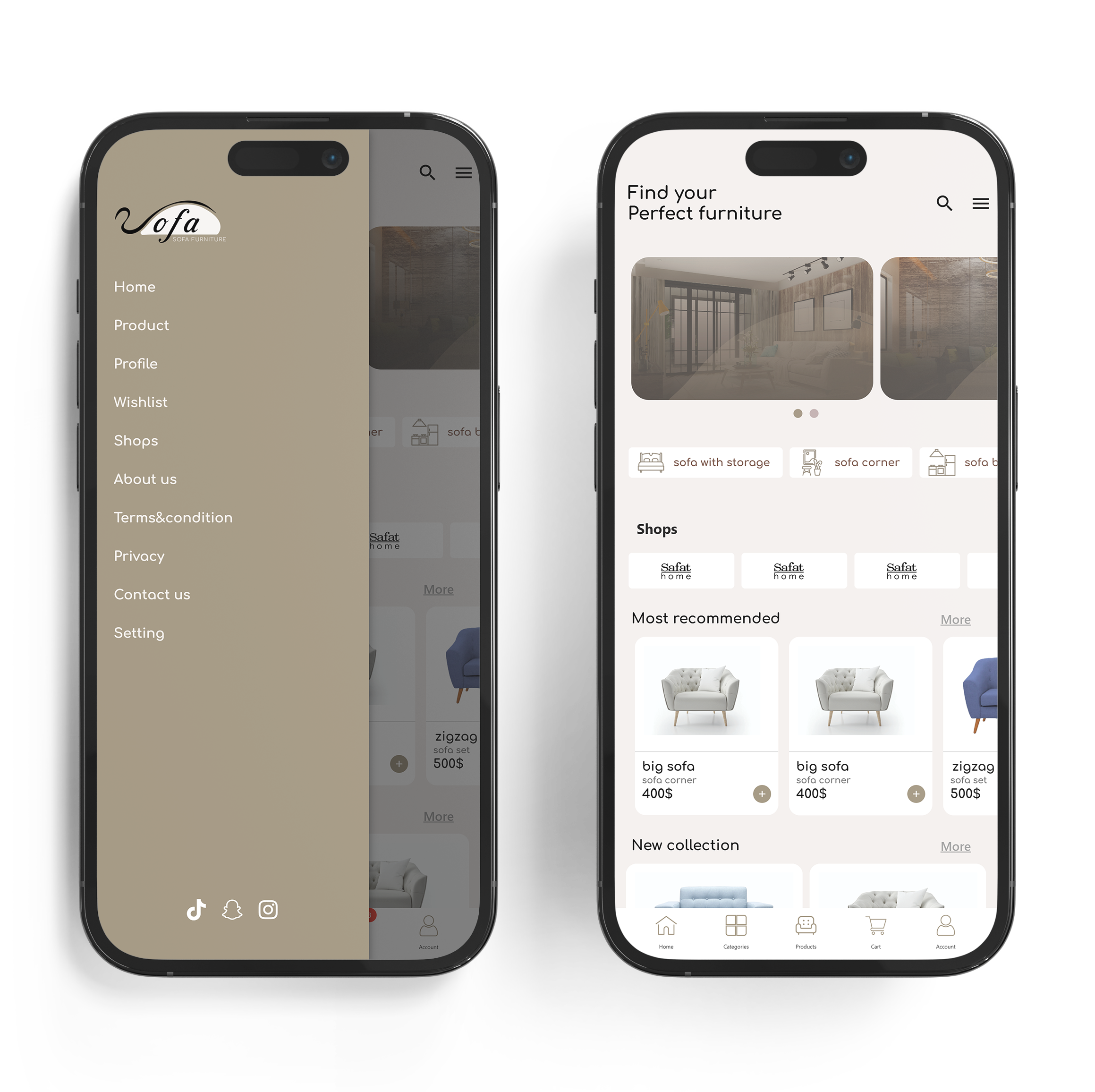
Most Recommended: Discover our most recommended furniture, handpicked by experts to help you find the best pieces for your space.
New Collection: Stay updated with the latest arrivals in our new collection section. Explore the newest additions to our extensive range of furniture.
Offers: Check out the offers section for exclusive deals and discounts on selected furniture items. Save on high-quality pieces for your home or office.
Navigation: Use the side menu and bar menu to easily access all features and pages within the app. Navigate seamlessly to listings, product categories, your account, and more.
Sign Up & Login
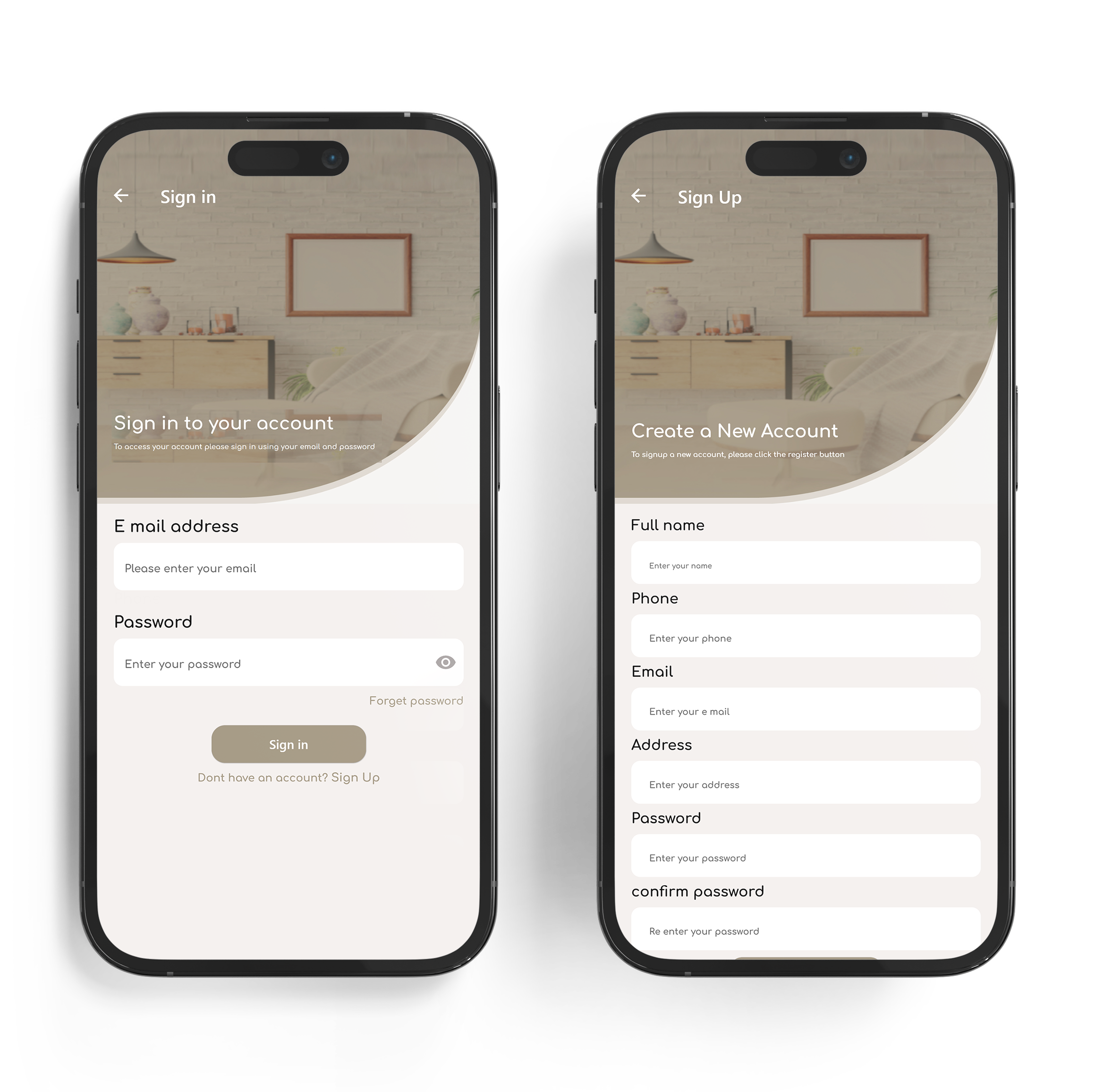
Registration: Fill out the registration form with your personal information, such as your name, email, address, and password to create your account.
Logging In: Enter your registered email address and password in the provided fields to log into your account.
Password Recovery: Use the "Forgot Password" link if you need to reset your password or recover your account. Follow the instructions sent to your email to regain access.
Shop Owner Login: If you are a shop owner, log in using your registered email and password. Access your account to manage your listings, orders, and reservations.
Profile Access: After logging in, you can access your profile to update your personal information, change your password, and view your orders and reservations.
Products Page
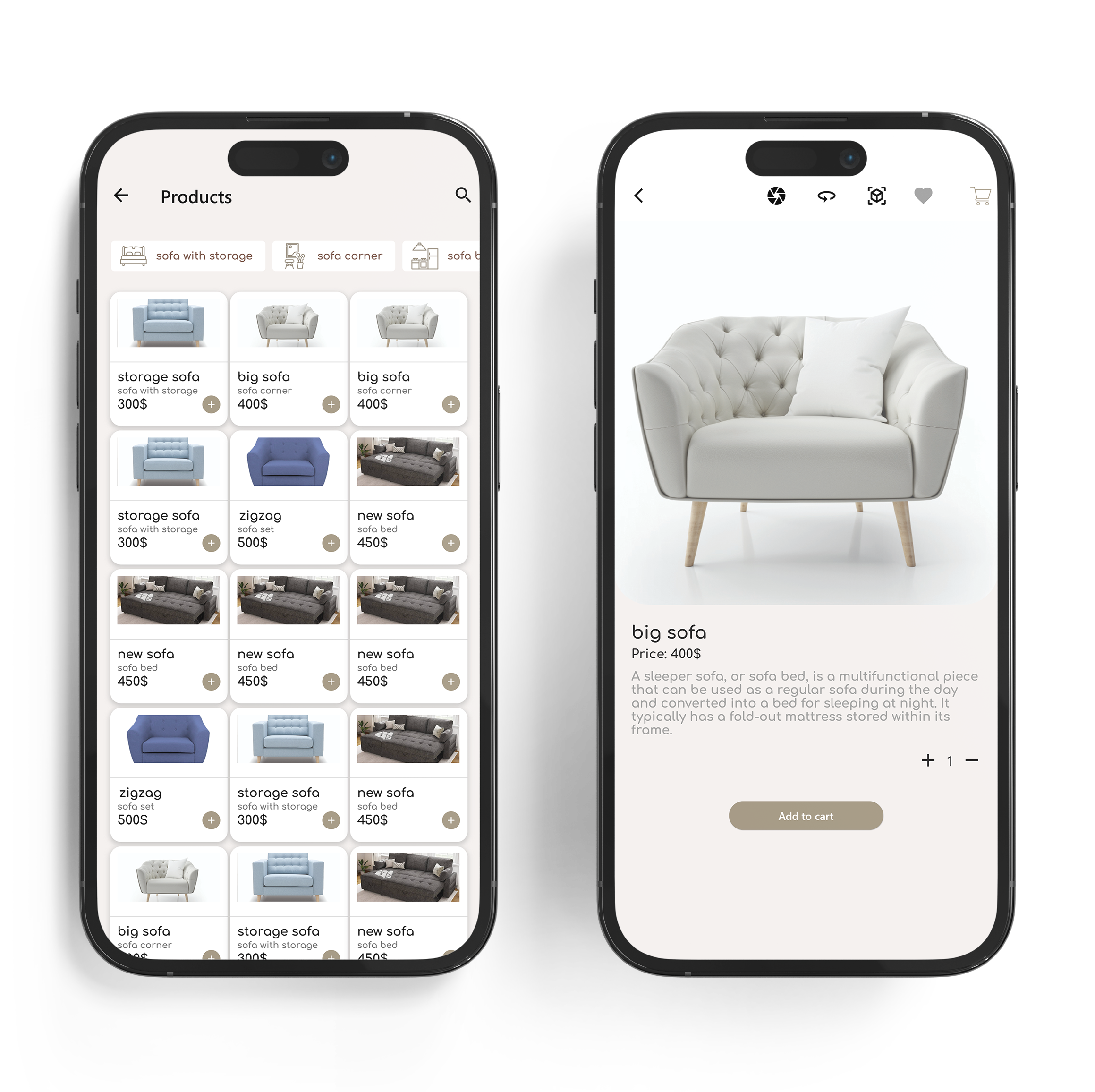
Products: Browse through an extensive range of furniture items in our Products section. Whether you're looking for sofas, chairs, tables, beds, or decor, our diverse collection ensures you'll find the perfect pieces for any space. Use filters to narrow down your search by category, style, price, and more, making it easy to find exactly what you need.
Single Product: When you select a single product, you will be taken to a detailed view page. Here’s what you can expect:
360-Degree View: Experience a comprehensive look at the product with our 360-degree view feature. Rotate the item to inspect it from every angle, ensuring it meets your expectations.
Product Description: Read a comprehensive description of the product, including material, dimensions, and unique features, pricing information, and add to cart.
Measure Distance Feature: Use the measure distance feature to ensure the product will fit perfectly in your space. Enter your room’s dimensions and see if the item meets your requirements.
Checkout Page
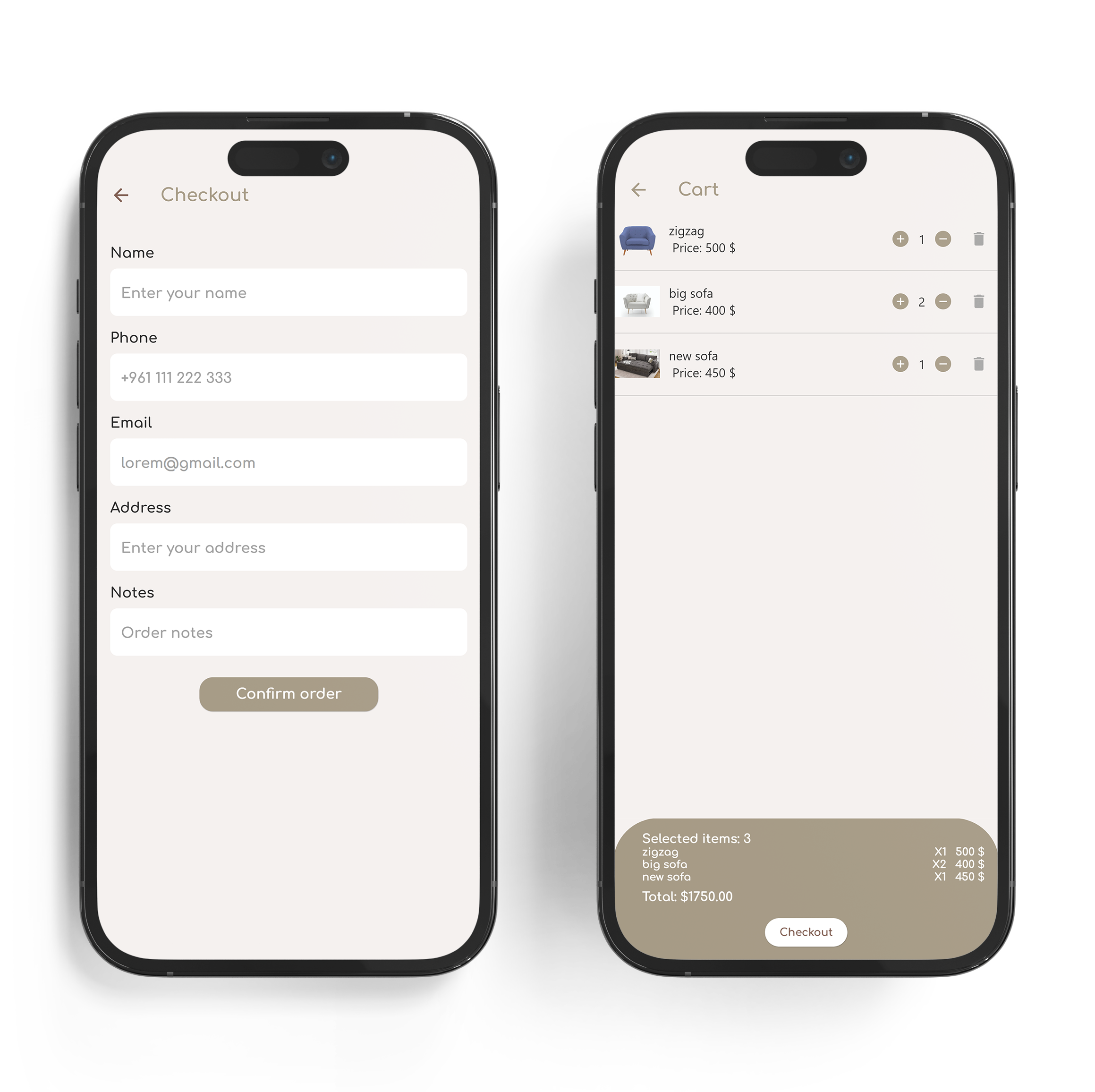
View Items: See a detailed list of all the products you have added to your cart, including images, names, brands, prices, and quantities.
Modify Quantity: Adjust the quantity of each product using the plus or minus buttons. Remove any items from your cart if needed.
Total Cost: Check the total cost of your selected products, including any applicable taxes or discounts.
Checkout: Once you are satisfied with your cart, click the "Checkout" button to move to the next step.
Enter Address: Provide your shipping address details to ensure your products are delivered to the correct location.
Select Payment Method: Choose your preferred payment method and securely enter the necessary payment details.
Confirm Purchase: After reviewing all the details, click the "Confirm" button to finalize your purchase.